JFormDesigner 4.0 Early Access:
Try out an Early Access build of the next JFormDesigner release now with
GroupLayout (Free Design) support (as in NetBeans GUI builder aka project Matisse).
Download Now!.
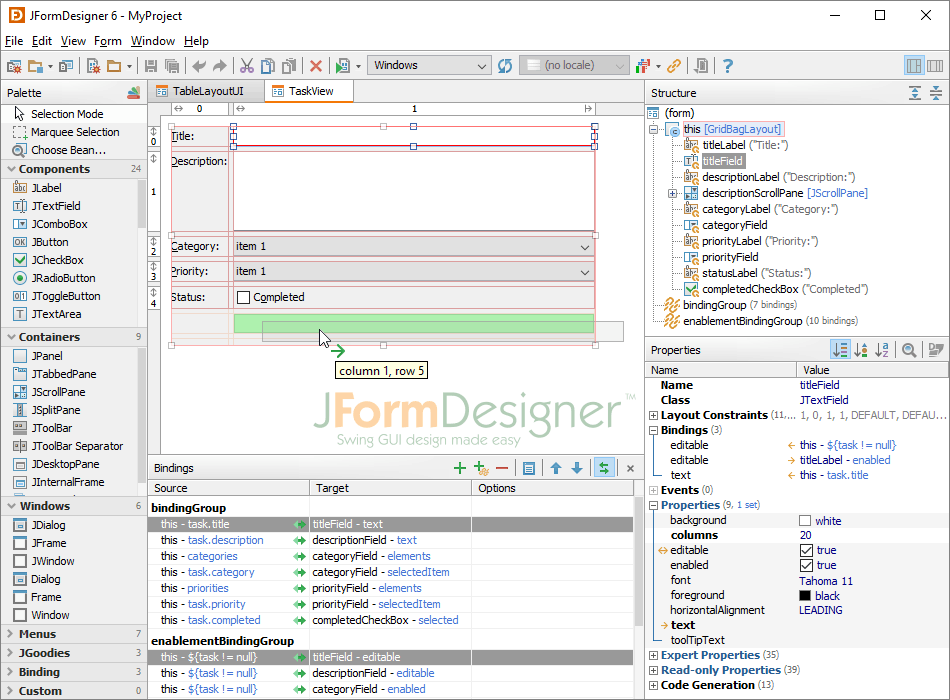
JFormDesigner™ is an innovative GUI designer for
Java™ Swing user interfaces.
Its outstanding support for JGoodies FormLayout, Clearthought's TableLayout and
GridBagLayout makes it easy to create professional looking forms.
Why use JFormDesigner?
JFormDesigner makes Swing GUI design a real pleasure.
It decreases the time you spend on hand coding forms,
giving you more time to focus on the real tasks.
You'll find that JFormDesigner quickly pays back its cost in
improved GUI quality and increased developer productivity.
Key Features
Easy and intuitive to use, powerful and productive:
JFormDesigner provides an easy-to-use but powerful user interface.
Even non-programmers can use it, which makes it also ideal for prototyping.
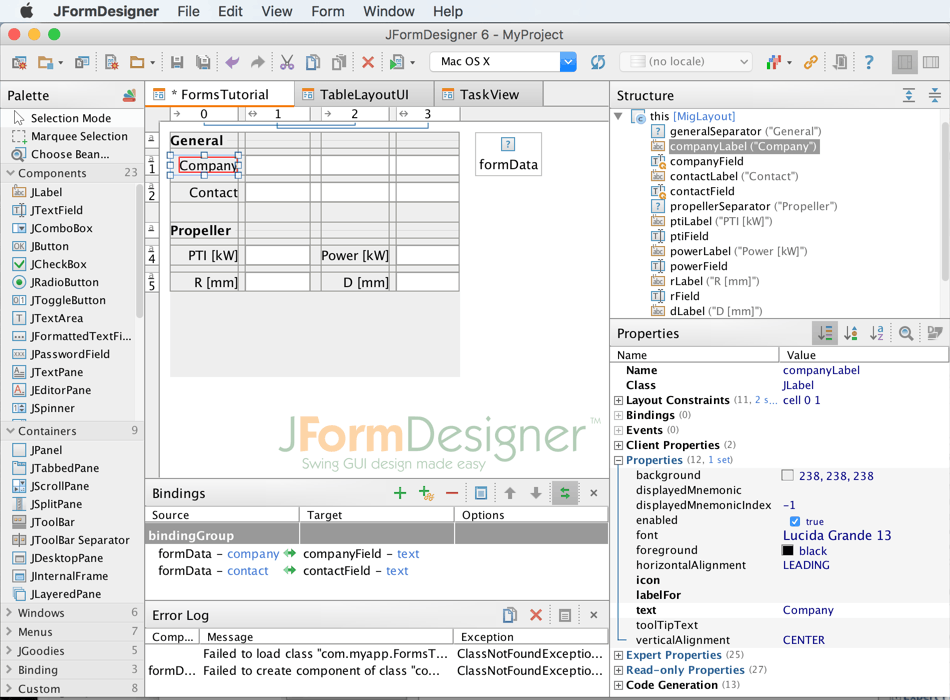
IDE plug-ins and stand-alone application:
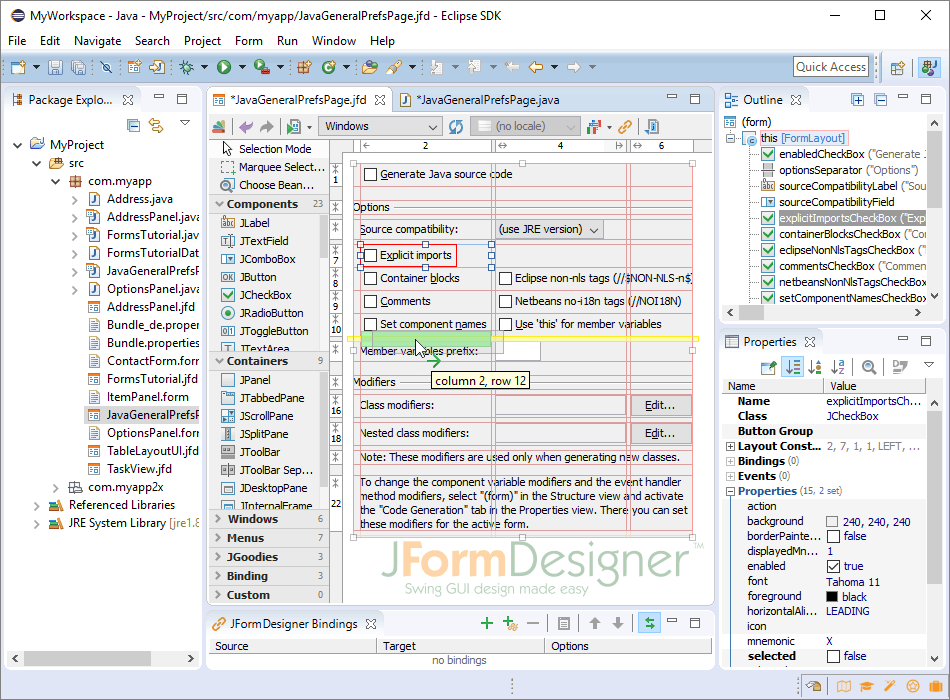
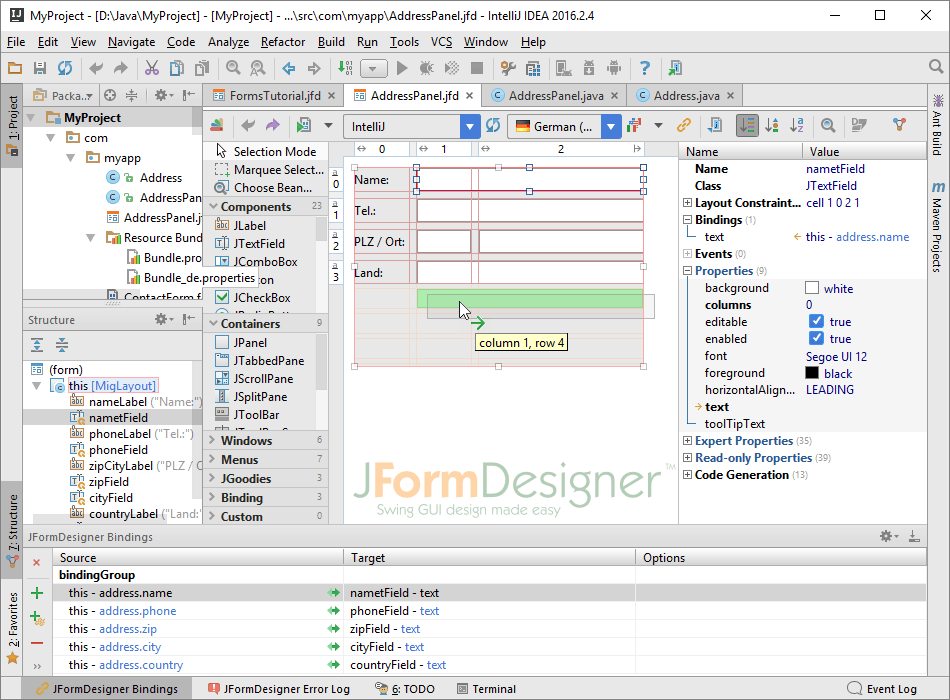
JFormDesigner is available as IDE plug-ins for
Eclipse,
IntelliJ IDEA and
JBuilder and
as stand-alone application.
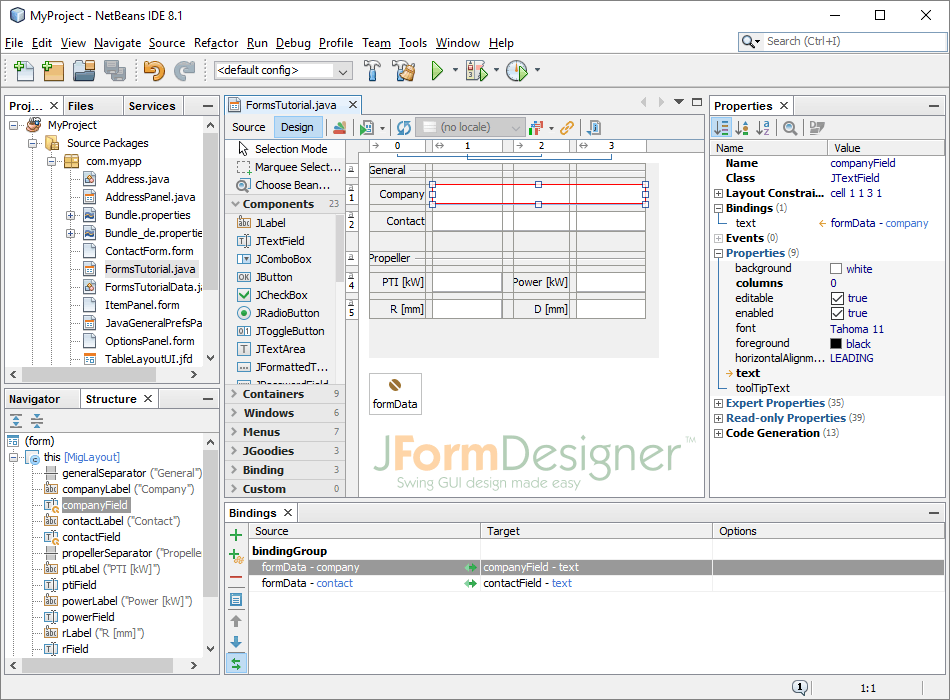
Plug-ins for JDeveloper and NetBeans are under development.
JGoodies FormLayout and Clearthought's TableLayout support:
These well-known open-source layout managers allow you to design high quality forms.
JFormDesigner provides excellent support for them.
FormLayout » /
TableLayout »
Advanced GridBagLayout support
allows the specification of horizontal and vertical gaps (as in TableLayout).
This makes it very easy to design forms with consistent gaps using GridBagLayout.
No longer wrestling with GridBagConstraints.insets.
Read More »
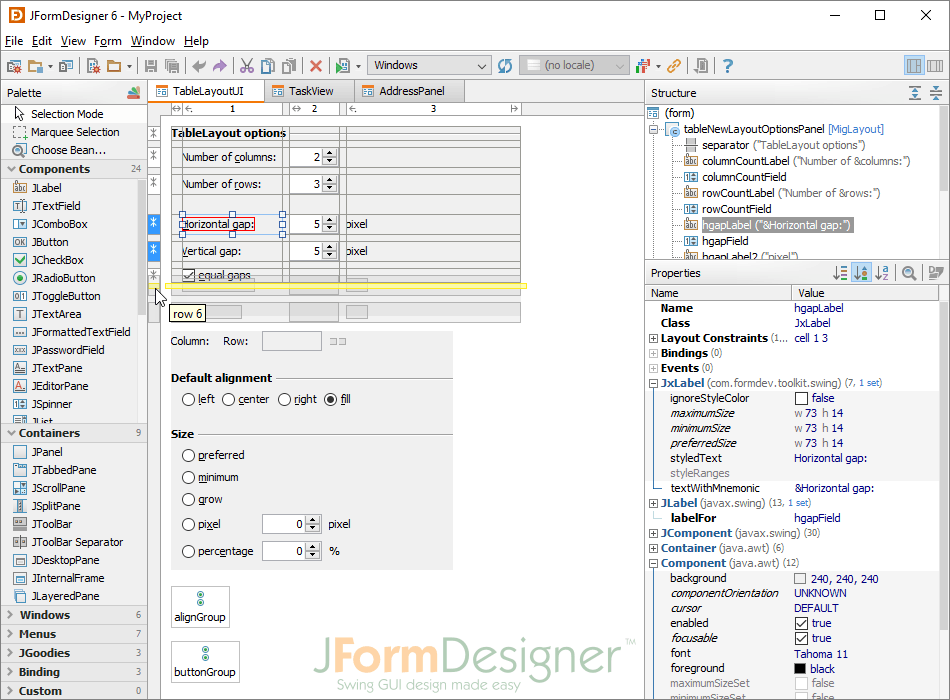
Column and row headers
(for grid-based layout managers) show the structure of the layout
(including column/row indices, alignment, growing, grouping) and allow
you to insert or delete columns/rows and change column/row properties.
It's also possible to drag
and drop columns/rows (incl. contained
components and gaps). This allows you to swap columns or move rows in seconds.
Read More »
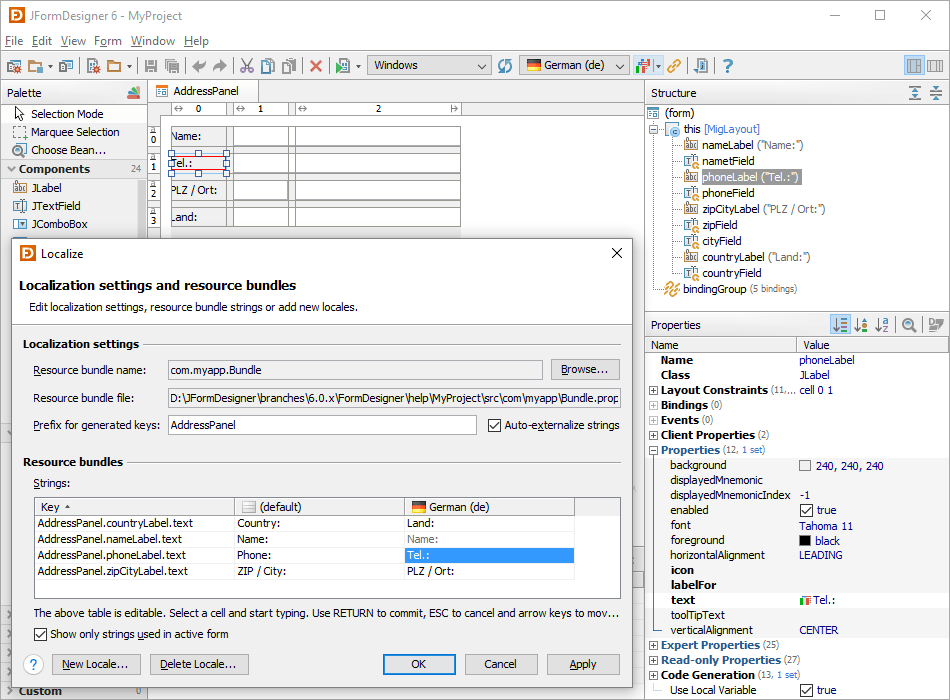
Localization support:
Localizing forms using properties files has never been easier. Specify a
resource bundle name and a prefix for keys when creating a new form and
then forget about it. JFormDesigner automatically puts all strings into
the specified resource bundle (auto-externalizing).
Read More »
Java code generator or runtime library:
Either let JFormDesigner generate
Java source code for your forms (the default) or use the
open-source (BSD license) runtime library to
load JFormDesigner XML files at runtime. Your choice.
Generation of nested classes:
The Java code generator is able to generate and update nested classes.
You can specify a class name for each component in your form.
This allows you to organize your source code in an object-oriented way.
Read More »