The JFormDesigner / FormDev Blog
JFormDesigner 5.1.1 with IntelliJ IDEA 12.x support
2013-05-14 1 Comments
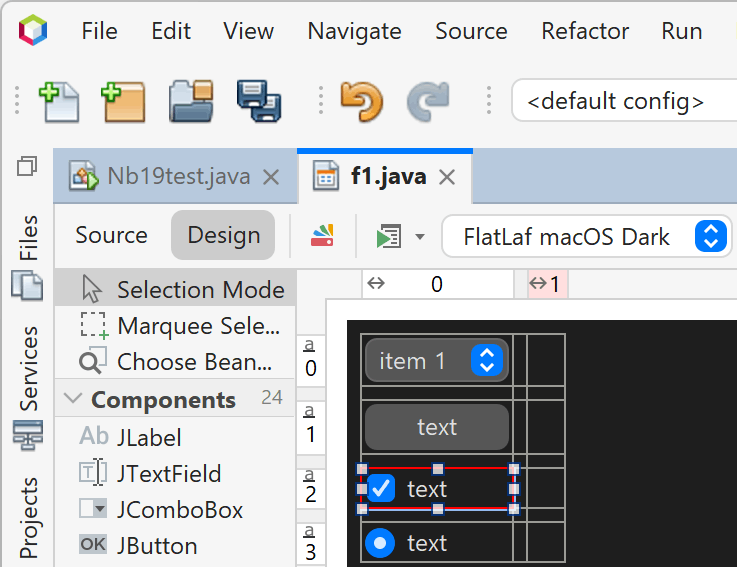
We've just released JFormDesigner 5.1.1, which is now compatible with IntelliJ IDEA 12 and 12.1, has been tested with NetBeans 7.3, supports Eclipse plug-in in Java 7 VM on Mac OS X (read note below), fixes minor bugs and brings some minor improvements.
See Change Log for details and download JFormDesigner 5.1.1.
Eclipse plug-in in Java 7 VM on Mac OS X
The JFormDesigner plug-in for Eclipse depends on a JRE class that embedds Swing into SWT. Unfortunately, when migrating Apple Java 6 to Oracle Mac Java 7, the class was not migrated. There is work in progress to bring it back, but currently it is only available in JDK 7u12 Developer Preview (1.7.0_12-ea) (from jdk7.java.net/download.html), but not in Java SE 7u21 (from oracle.com). See also Java Bug 7154778 and Eclipse Bug 374199.
JFormDesigner 5.2 Beta; JDeveloper plug-in
2012-09-17 1 Comments
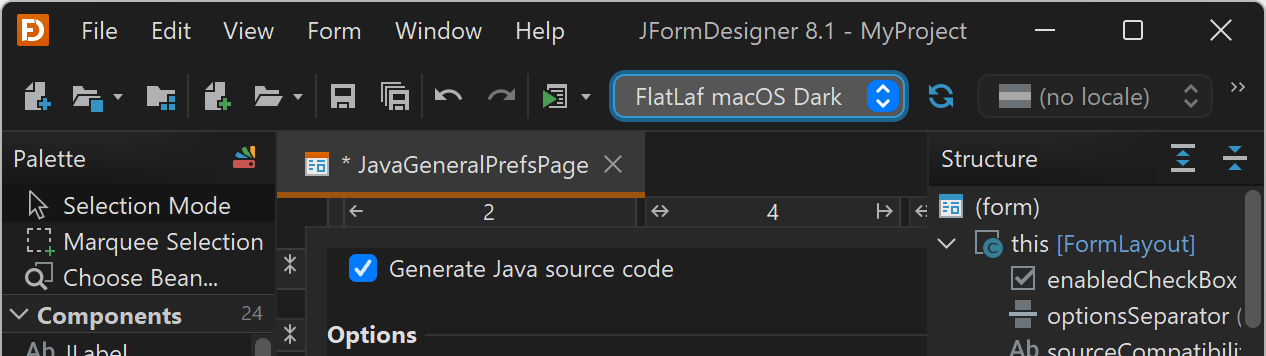
Finally, the first build of the JFormDesigner plug-in for JDeveloper is available now as part of JFormDesigner 5.2 Beta.

Major new features and improvements:
- JDeveloper plug-in.
- Java 8 support.
- JGoodies Forms 1.6 support.
See What's New in JFormDesigner 5.2 for
the significant or more interesting changes.
Please have a look at the change log for a
complete list of changes.
Please give it a try, download it and report bugs. Thanks.
JFormDesigner 5.1 Released
2012-04-30 5 Comments
We're pleased to announce the immediate availability of JFormDesigner 5.1, now with NetBeans plug-in, Java 7 support, GroupLayout design improvements and more.

Feature Highlights:
- NetBeans plug-in
- Java 7 support
- JGoodies Forms 1.4 and 1.5 support
- GroupLayout design improved
- JFDML persistence format for .jfd form files
- Palette improved
- Batch convert forms
- NetBeans 7.1 form conversion
- and more...
See What's New in JFormDesigner 5.1 for
the significant or more interesting changes.
Please have a look at the change log for a
complete list of changes.
Customer information: JFormDesigner 5.1 is free of charge for existing customers if the "Free updates until" date of your license key is 2010-07-26 or later. Upgrades are available here.
JFormDesigner 5.0.4
2012-04-12 4 Comments
We've just released JFormDesigner 5.0.4, which fixes a NullPointerException in the Java code generator (since 5.0.3).
Users of 5.0.3 are recommended to update to 5.0.4.
See Change Log for details and download JFormDesigner 5.0.4.
JFormDesigner 5.0.3 with IntelliJ IDEA 11.1 support
2012-04-04 0 Comments
We've just released JFormDesigner 5.0.3, which is now compatible with IntelliJ IDEA 11.1, fixes minor bugs and brings some minor improvements.
See Change Log for details and download JFormDesigner 5.0.3.
JFormDesigner 5.0.2 with IntelliJ IDEA 11 support
2011-12-07 3 Comments
We've just released JFormDesigner 5.0.2, which is now compatible with IntelliJ IDEA 11, fixes minor bugs and brings some minor improvements.
See Change Log for details and download JFormDesigner 5.0.2.
Swing Tip: JSplitPane with pixel thin divider
2011-09-09 3 Comments
Modern GUIs are becoming more and more minimalistic. Most controls (e.g. text fields or buttons) nowadays use 1 pixel thin borders. Everybody is removing borders from scroll and split panes. Even the split pane divider is often reduced to 1 pixel (e.g. on Mac OS X since years or in current Mozilla Thunderbird).
But how to create a 1 pixel thin divider with JSplitPane?
First idea was of course to invoke splitPane.setDividerSize(1).
This seems to work, but has the disadvantage that it is very hard for the user
to hit that single pixel line to move the divider. What we need is a
transparent divider that has a easy-to-hit
width (e.g. 9 pixels) and is placed between and over
the left and right split pane components.

Thanks to Swing's flexible design, it is relative easy to implement this.
First we set the divider size to 1 and let the split pane layout manager do
its work. The trick is now to override JSplitPane.layout() and
modify the bounds of the divider (e.g. increase width and move left):
public class JSplitPaneWithZeroSizeDivider extends JSplitPane { private int dividerDragSize = 9; private int dividerDragOffset = 4; public JSplitPaneWithZeroSizeDivider() { setDividerSize( 1 ); setContinuousLayout( true ); } @Override public void layout() { super.layout(); // increase divider width or height BasicSplitPaneDivider divider = ((BasicSplitPaneUI)getUI()).getDivider(); Rectangle bounds = divider.getBounds(); if( orientation == HORIZONTAL_SPLIT ) { bounds.x -= dividerDragOffset; bounds.width = dividerDragSize; } else { bounds.y -= dividerDragOffset; bounds.height = dividerDragSize; } divider.setBounds( bounds ); }
Then we need our own UI delegate that creates our divider.
@Override
public void updateUI() {
setUI( new SplitPaneWithZeroSizeDividerUI() );
revalidate();
}
private class SplitPaneWithZeroSizeDividerUI extends BasicSplitPaneUI {
@Override
public BasicSplitPaneDivider createDefaultDivider() {
return new ZeroSizeDivider( this );
}
}
And finally our divider, which draws the divider line and updates the drag locations.
private class ZeroSizeDivider extends BasicSplitPaneDivider { public ZeroSizeDivider( BasicSplitPaneUI ui ) { super( ui ); super.setBorder( null ); setBackground( UIManager.getColor( "controlShadow" ) ); } @Override public void setBorder( Border border ) { // ignore } @Override public void paint( Graphics g ) { g.setColor( getBackground() ); if( orientation == HORIZONTAL_SPLIT ) g.drawLine( dividerDragOffset, 0, dividerDragOffset, getHeight() - 1 ); else g.drawLine( 0, dividerDragOffset, getWidth() - 1, dividerDragOffset ); } @Override protected void dragDividerTo( int location ) { super.dragDividerTo( location + dividerDragOffset ); } @Override protected void finishDraggingTo( int location ) { super.finishDraggingTo( location + dividerDragOffset ); } } }
That's it.
Tested with Oracle/Sun Java 5, 6, and 7. Licensed under BSD-2-Clause with clause 2 removed.
JFormDesigner 5.0.1 and 5.1 Beta 3
2011-08-08 0 Comments
We've just released JFormDesigner 5.0.1 and 5.1 Beta 3.
JFormDesigner 5.0.1
This release fixes minor bugs and brings some minor improvements.
If you're running JFormDesigner in a Java 7 VM, it is recommened to update to this release because it fixes a NullPointerException when using TitledBorder and running JFormDesigner in a Java 7 VM.
See Change Log for details and download JFormDesigner 5.0.1.
JFormDesigner 5.1 Beta 3
Beta 3 Change Log:
- Go to event handler method in Java editor.
- All fixes from JFormDesigner 5.0.1.
Beta 2 Change Log:
- NetBeans: Project specific options.
- Palette: Display multiple items per row if there is enough room.
- Palette: New option "Item Names" in context menu to show only item icons.
- NetBeans: fixed too dark background of panels, palette, headers, etc on Mac.
- NetBeans: bug fixes.
- Fixed NullPointerException when using TitledBorder and running
JFormDesigner in a Java 7 VM.
Please give it a try, download it and report bugs. Thanks.
JFormDesigner 5.1 Beta; NetBeans plug-in
2011-07-26 1 Comments
Finally, the first build of the JFormDesigner plug-in for NetBeans is available now as part of JFormDesigner 5.1 Beta.

Major new features and improvements:
- NetBeans plug-in.
- JGoodies Forms 1.4 support.
- New JFDML persistence format for .jfd form files. This is a compact, easy-to-merge and fast-to-load format.
Please have a look at the change log for a complete list of changes.
Please give it a try, download it and report bugs. Thanks.
JFormDesigner 5 Released
2011-04-19 6 Comments
We're pleased to announce the immediate availability of JFormDesigner 5, now with Beans Binding (JSR 295) support, BeanInfo annotations, project specific settings and more.
Feature Highlights:
- Beans Binding (JSR 295) support
- BeanInfo Annotations
- Improved Properties view
- Project specific settings
- Improved Choose Bean dialog
- Auto-reload custom component classes
- and more...
See What's New in JFormDesigner 5 for
the significant or more interesting changes.
Please have a look at the change log for a
complete list of changes.
Customer information: JFormDesigner 5 is free of charge for existing customers if the "Free updates until" date of your license key is 2010-01-01 or later. Upgrades are available here.