Highlights
"full window content" mode for FlatLaf window decorations (Windows 10/11 and Linux)
Full window content mode allows you to extend the content into the window title bar. This means that the content pane (and glass pane) of the Swing window is extended into the window title bar. The window icon and title are automatically hidden. Only the minimize/maximize/close buttons stay visible. So your application can use (nearly) the whole window area.

You can try out "full window content" mode in FlatLaf Demo.
Press the "expand" button on the right side in the tab area.
macOS: window title bar close/minimize/zoom buttons spacing
If using full window content mode on macOS, it is now possible to use larger space
around the close/minimize/zoom buttons (traffic lights) to give your application a "native" look:

Change Log
See https://github.com/JFormDesigner/FlatLaf/releases/tag/3.4
2024-02-20
FlatLaf, Swing, Look and Feel, macOS
Highlights
macOS: native rounded borders for popups
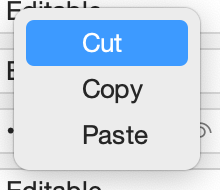
Popups on macOS now use native macOS rounded borders (including native drop shadow):

ScrollPane: Support rounded border
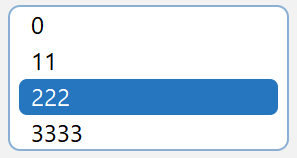
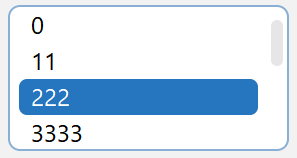
ScrollPane now support using rounded border. See PR #713 for information how to enable this feature.
TabbedPane: Support vertical tabs
TabbedPane now supports rotated/vertical tabs:


Change Log
See https://github.com/JFormDesigner/FlatLaf/releases/tag/3.3
2024-01-11
FlatLaf, Swing, Look and Feel, macOS
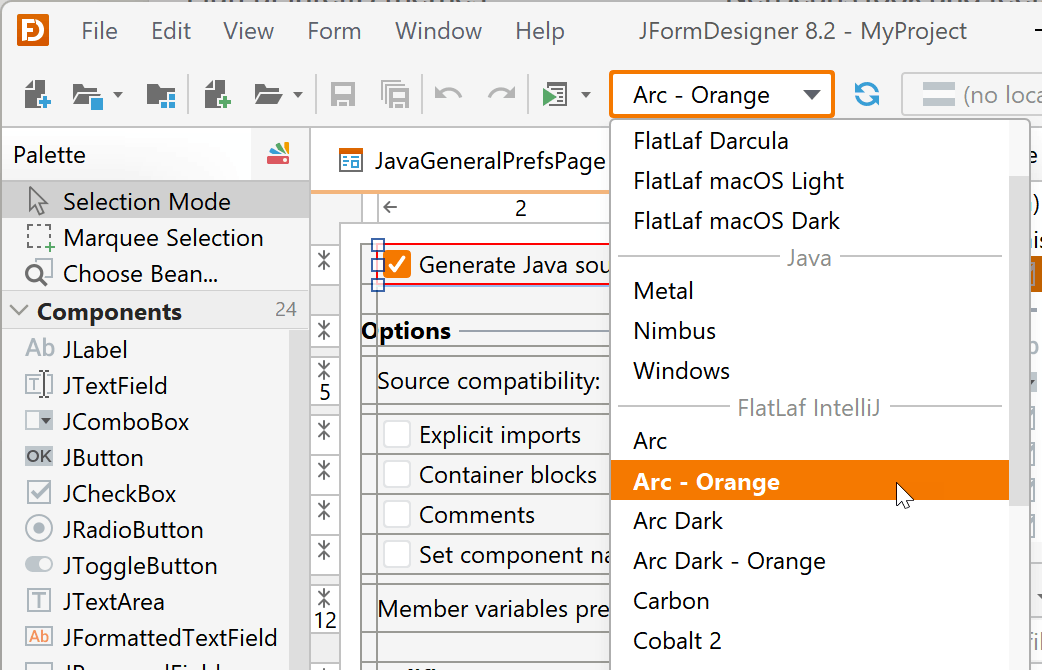
We're pleased to announce the immediate availability of JFormDesigner 8.2,
now with integrated FlatLaf IntelliJ themes, using JSVG for rendering
SVG images, NetBeans plug-in supports different look and feels in design view,
and more.
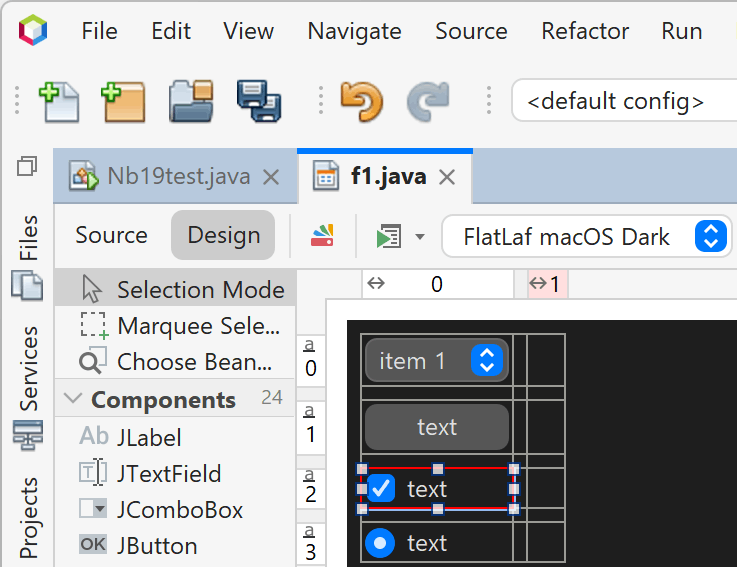
See What's New in JFormDesigner 8.2 for
the significant or more interesting changes or have a look at the
change log for a complete list of
changes.
Download JFormDesigner 8.2
Customer information: JFormDesigner 8.2 is free of charge for existing
customers if the "Free updates until" date of your license key is
2023-10-16 or later. If not, then you can
order upgrades here.
2023-10-16
JFormDesigner, News, FlatLaf, SVG, NetBeans
Highlights
New SVG renderer
The FlatLaf
Extras library
now used JSVG library (instead of
svgSalamander) for SVG rendering. JSVG provides improved SVG rendering and uses
less memory compared to svgSalamander.
IntelliJ Themes improved
Many improvements and fixed were made to the
FlatLaf IntelliJ Themes Pack.
If you use those themes it is highly recommended to upgrade to this release.
TabbedPane: rounded selection
TabbedPane now support rounded underline selection and rounded card tabs. Card
tabs now have rounded corners by default.

FileChooser: more localized texts
FileChooser now show localized text for all locales supported by Java's Metal
look and feel.
Toolbox-style "small" window title bar
FlatLaf Window Decorations now supports toolbox-style "small" window title bar.

Windows on ARM
The FlatLaf native library is now also available for ARM 64-bit architecture on
Windows.
Change Log
See https://github.com/JFormDesigner/FlatLaf/releases/tag/3.2
2023-08-12
FlatLaf, Swing, Look and Feel, SVG
We're pleased to announce the immediate availability of JFormDesigner 8.1,
now with integrated FlatLaf macOS light and dark themes, support for using
SVG images in forms, and more.
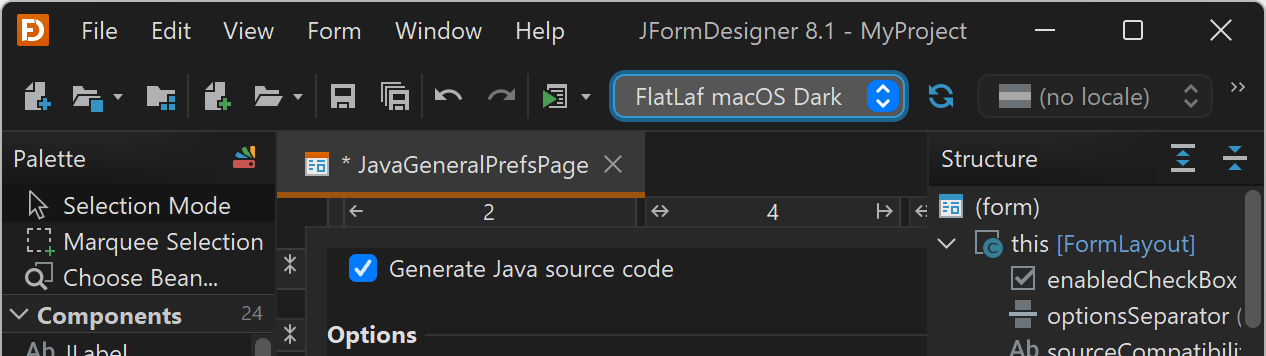
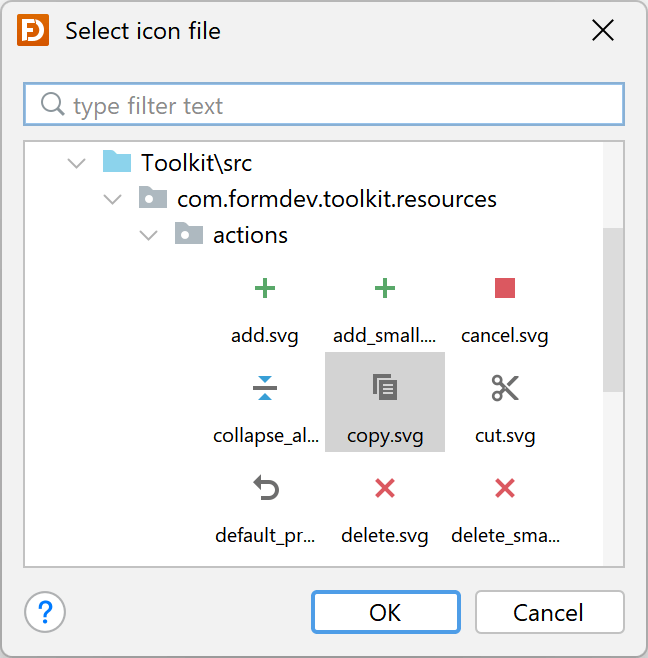
See What's New in JFormDesigner 8.1 for
the significant or more interesting changes or have a look at the
change log for a complete list of
changes.
Download JFormDesigner 8.1
Customer information: JFormDesigner 8.1 is free of charge for existing
customers if the "Free updates until" date of your license key is
2023-01-01 or later. If not, then you can
order upgrades here.
2023-06-02
JFormDesigner, News, FlatLaf, macOS, SVG